



Login
How to login
Beteum Casino helps German players open an account, confirm identity later, and sign in whenever they want to pick up a session.
Beteum login
Beteum Casino shows a direct path from registration to casino play. Follow the steps below to set up your account, enter securely, and launch games quickly.
Already registered? Use the Login button in Beteum header. New here? Complete registration first, then explore our Bonus page and the mobile App page. Casino basics live on About us.
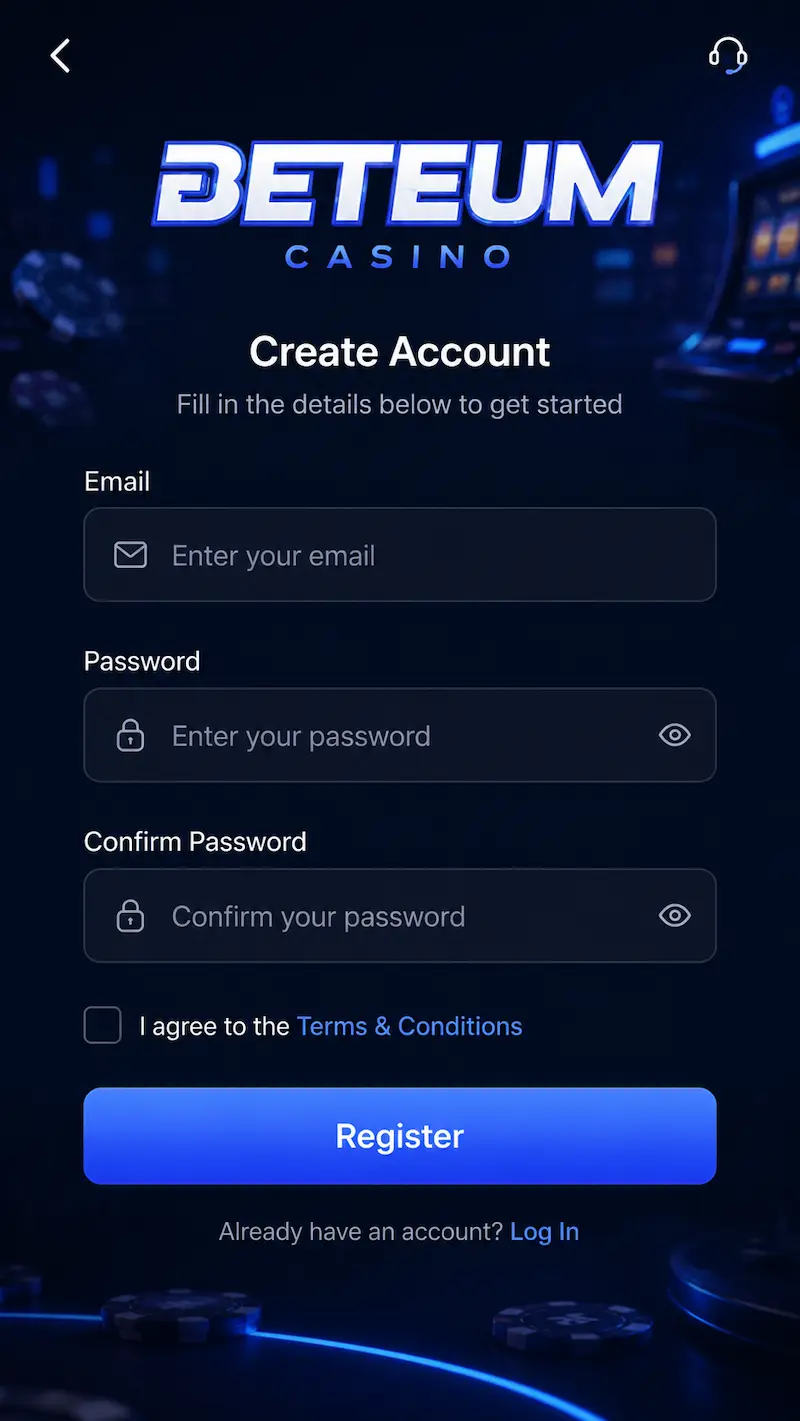
How to Register at Beteum
- Open the homepage and click Sign Up or Register.
- Enter your name, date of birth, email, and a strong password. Choose Germany as your country if prompted.
- Read the Terms and Conditions and Responsible Gaming rules, then confirm your agreement.
- Verify your email using the link we send. Your account becomes active once verification is complete.
Accurate details speed up identity checks before your first withdrawal. Players searching for Beteum login usually start here.
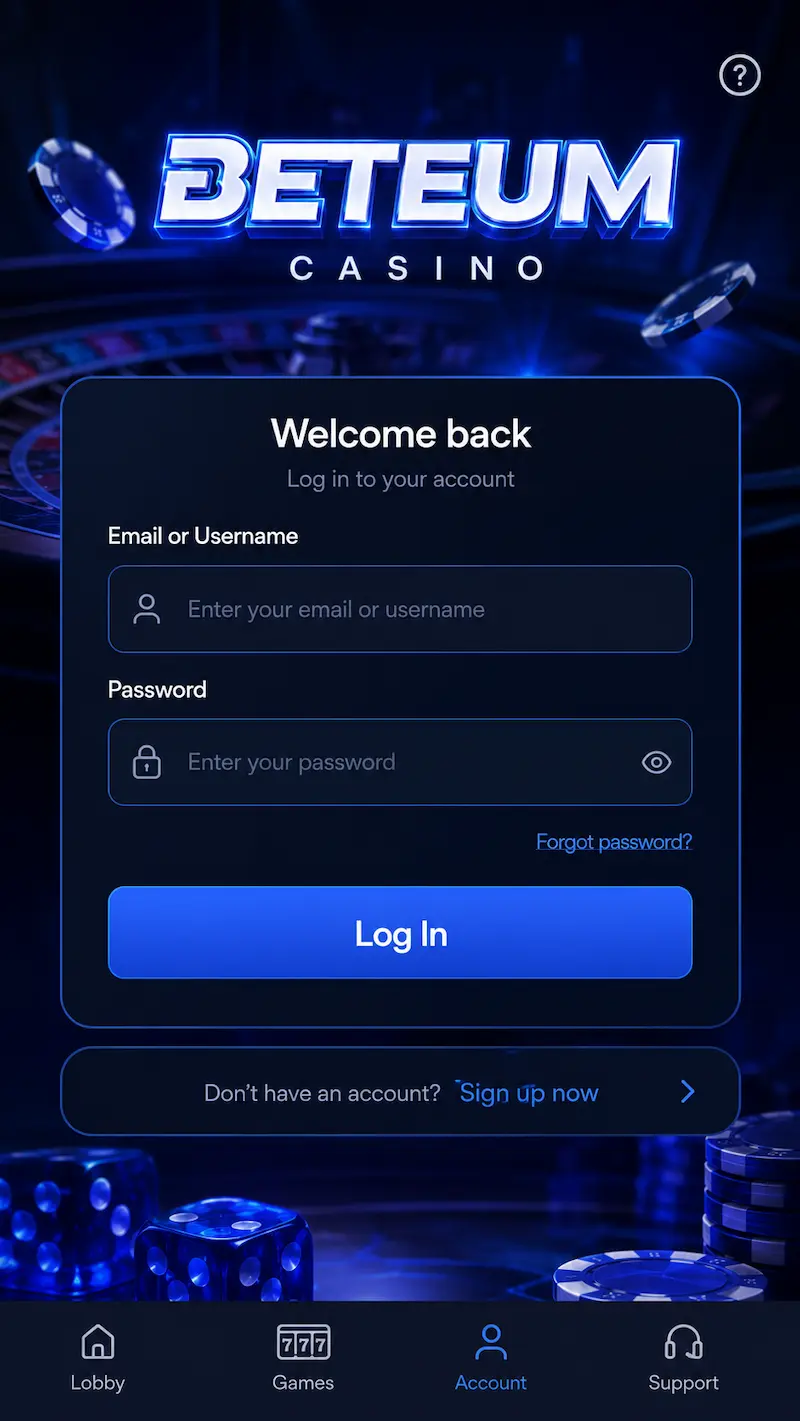
How to Log In
- Go to Beteum and click Login in the header.
- Type your registered email and password. Check caps lock and special characters.
- Complete any extra step if prompted, such as email confirmation or two-factor authentication.
- After sign-in you reach your dashboard: games, deposits, withdrawals, promotions, and profile settings.
The same login works on desktop and mobile browsers. For phone or tablet setup, see our App page.
How to Deposit and Start Playing
- From your logged-in account, open the Cashier or Deposit section.
- Pick a payment method you trust from the local list in Cashier, then compare limits.
- Enter the amount, add a promo code if you want an active Bonus, and confirm the payment.
- Once funds appear in your balance, browse casino games and launch any slot or table title.
Most deposits land instantly. If a payment fails, try another method or contact live chat.
Account Verification
Beteum may request identity verification before your first cashout. This keeps accounts secure and payouts compliant in Germany.
- Government-issued photo ID
- Proof of address such as a utility bill or bank statement
- Payment method confirmation when required
Upload clear documents through the cashier or support channel. Review usually finishes within two hours.
KYC and Market Security
We use TLS on every session, store credentials hashed, and flag unusual login locations. German players should complete KYC early so the first cashout is not delayed. Never share one-time codes from your bank or wallet app.
Forgot Password
- Click Forgot Password? on the login screen.
- Enter your registered email address.
- Open the reset link from your inbox and choose a new secure password.
- Sign in again with the updated credentials.
Check spam or promotions folders if the email does not arrive within an hour.
Troubleshooting Login Issues
- Retype email and password manually instead of relying on autofill.
- Confirm your email address has been verified.
- Clear browser cache or try a private window.
- Disable VPN or proxy temporarily.
- Update your browser or reinstall the Beteum app shortcut if you use mobile.
If access still fails, contact support through live chat or the form on About us.
Security Tips
- Use a unique password with letters, numbers, and symbols.
- Log out on shared or public devices after each session.
- Enable two-factor authentication when Beteum offers it in your region.
- Review our Privacy Policy, Terms and Conditions, and Responsible Gaming pages.
FAQ
Why was my login blocked?
Wrong password, unverified email, VPN blocks, or security lockouts. Clear cache or contact live chat.
How do I open a Beteum login?
Register with email and password, verify your inbox, then use Login in the header on every visit.
What documents are needed for KYC?
Government photo ID, proof of address, and sometimes payment confirmation before the first cashout.
I forgot my password – what now?
Use Forgot Password, open the email link, set a new password, and sign in again.
Players searching for Beteum login access and Beteum login features can manage limits, notifications, and payment methods from the profile menu after login. Also see Bonus and App.